Guides
Practical guides to using Stripe on your Mac: track sales, revenue, MRR, balances, multiple accounts, and payments from your menu bar.
Getting started
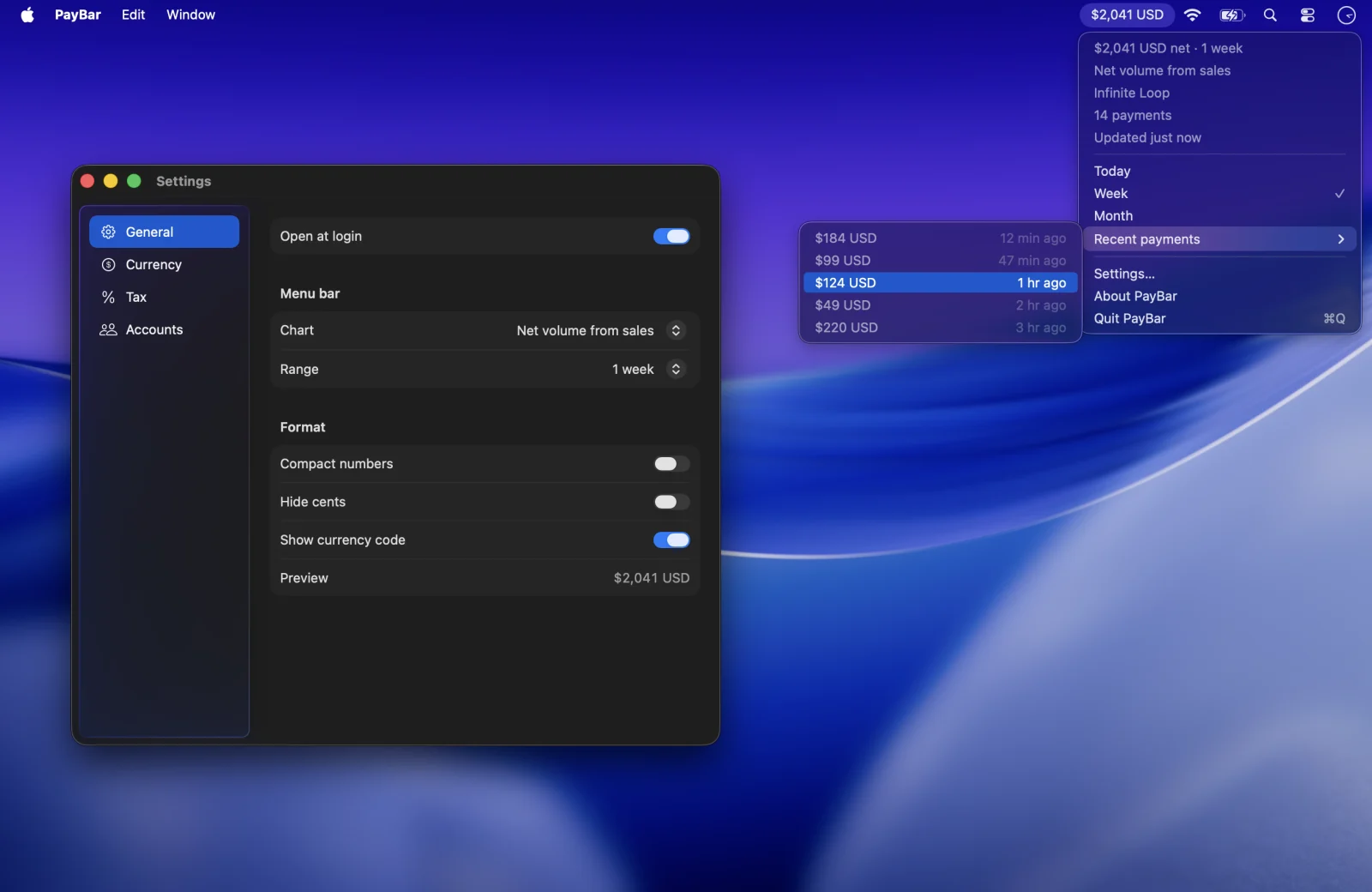
How to track Stripe revenue in your Mac menu bar
Track 19 Stripe metrics from your Mac menu bar with PayBar, including daily sales, net volume, MRR, subscribers, disputes, and available balance.
Try the free Stripe net revenue calculator →
Setup
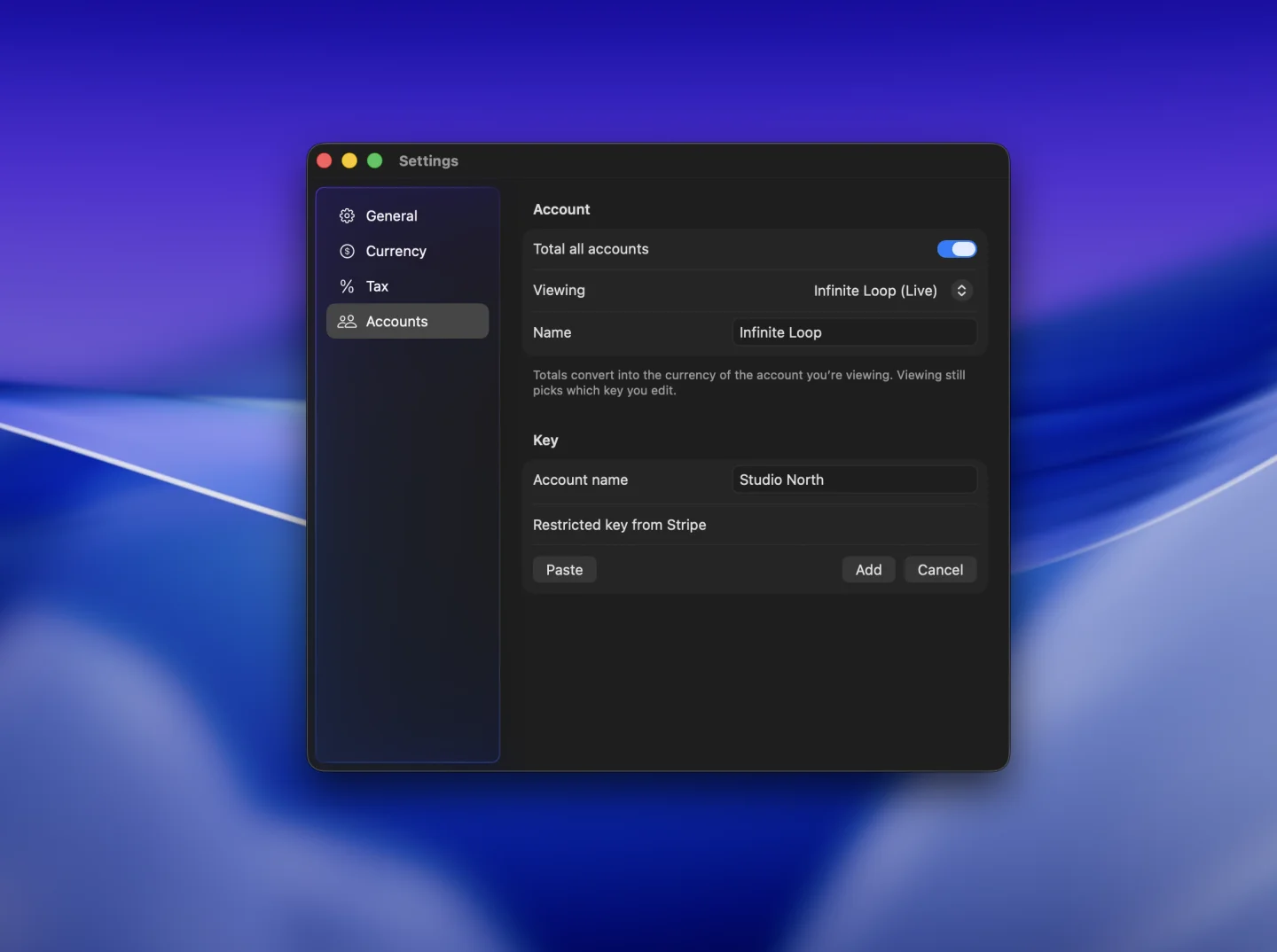
How to create a read-only Stripe API key for PayBar
Create a restricted Stripe key, grant read access for the metrics you need, and connect PayBar on your Mac.
Recurring revenue
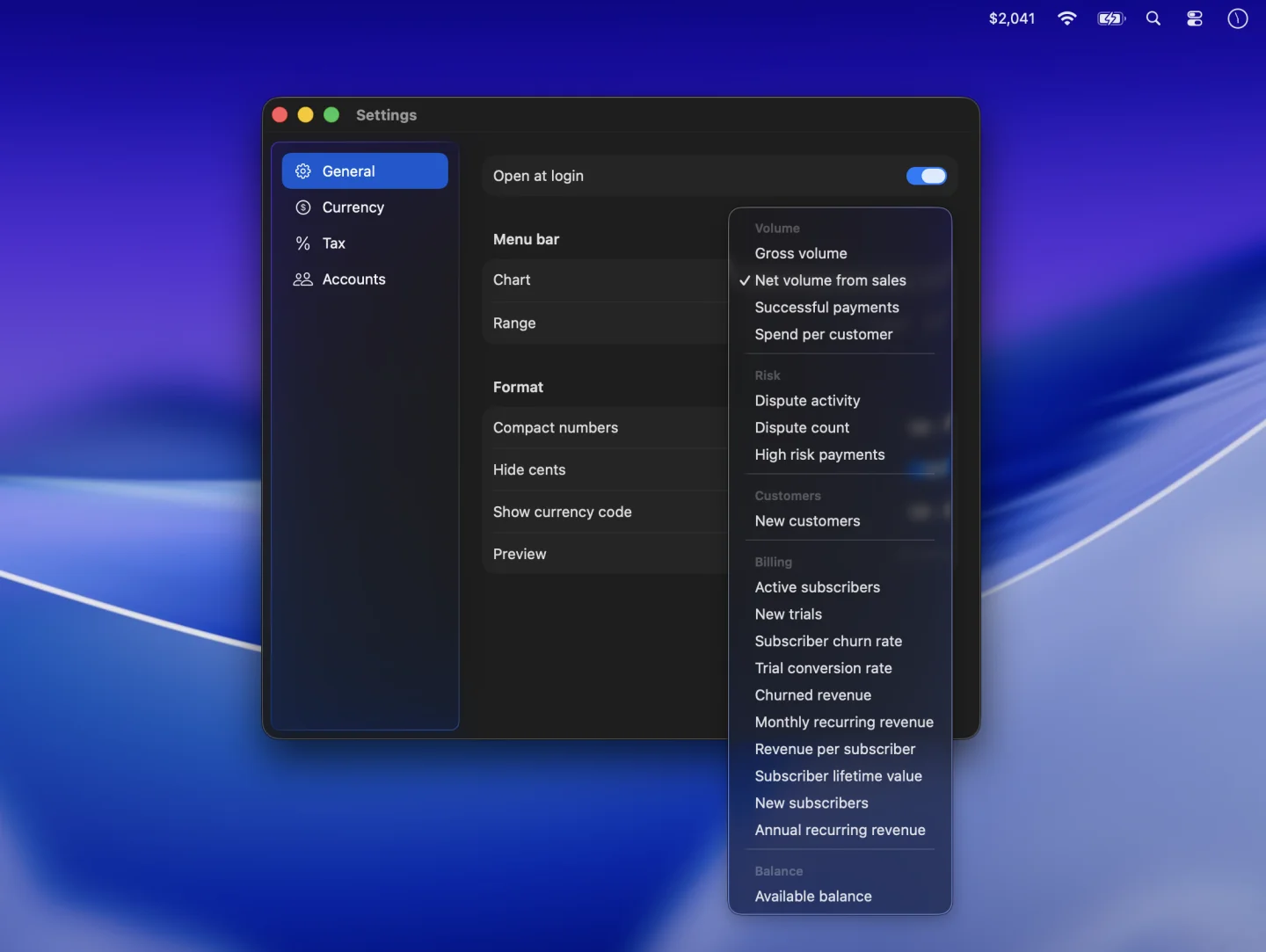
How to track Stripe MRR and ARR on your Mac
Put monthly or annual recurring revenue in your Mac menu bar and understand how it differs from your Stripe sales total.
Accounts
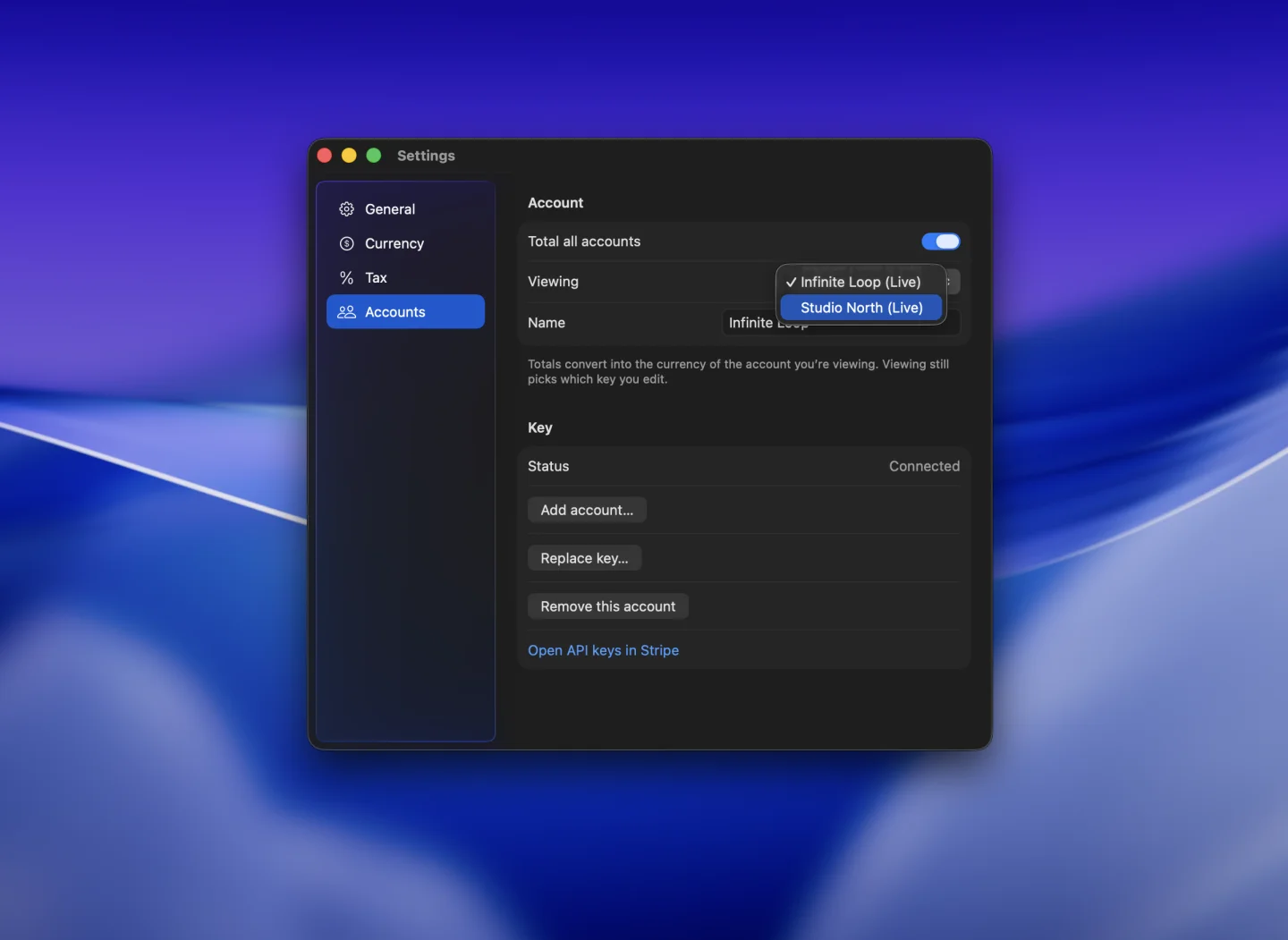
How to track multiple Stripe accounts in PayBar
Add a Stripe account for each business, switch between them, and see combined totals for supported metrics.
Payments
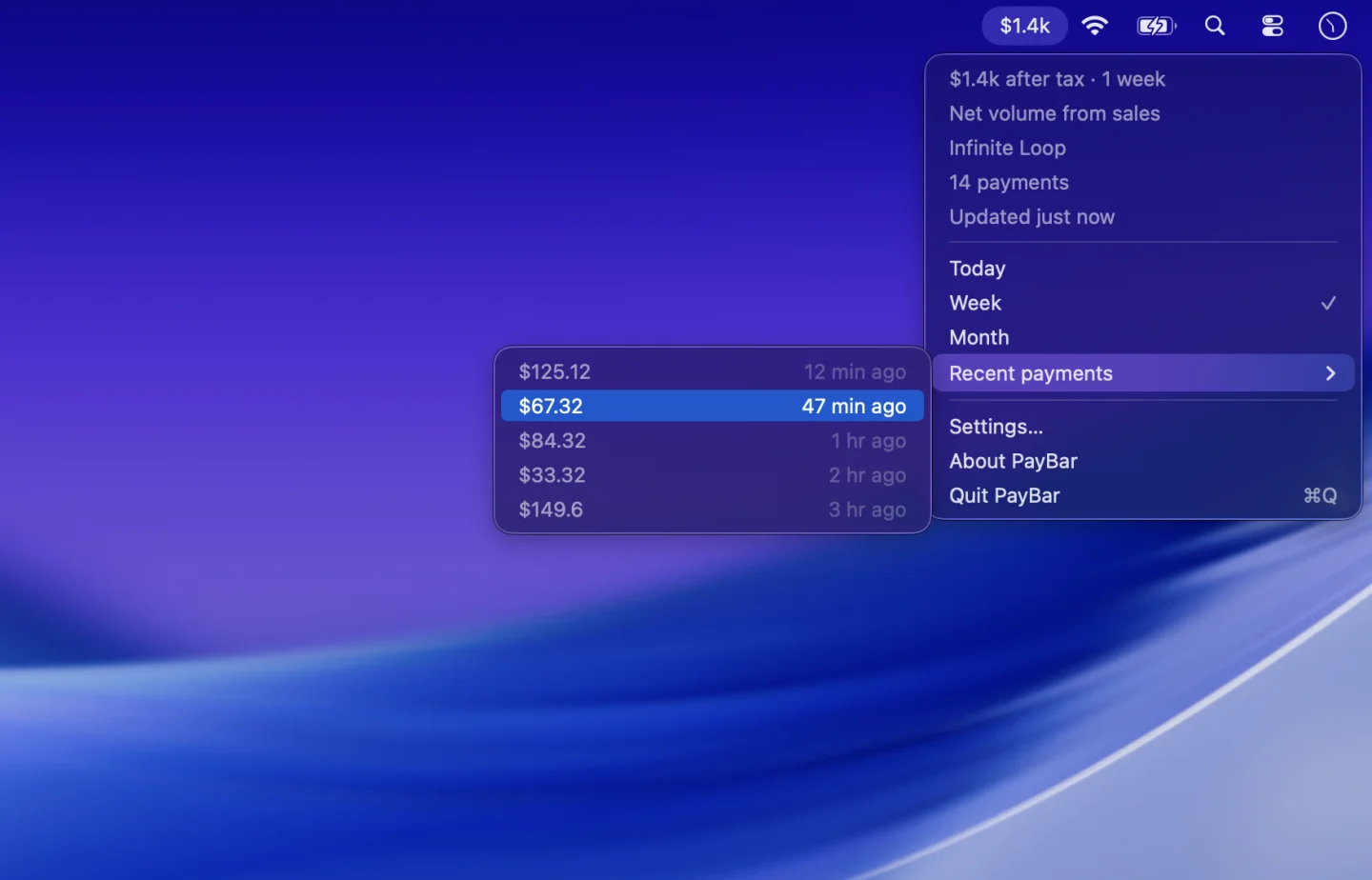
How to check recent Stripe payments on your Mac
See the amount and time of recent Stripe payments from the Mac menu bar, then open any payment in your Stripe Dashboard.
Balance
How to check your Stripe available balance on your Mac
View your available Stripe balance in the Mac menu bar and understand how it relates to pending funds and payouts.
Currency
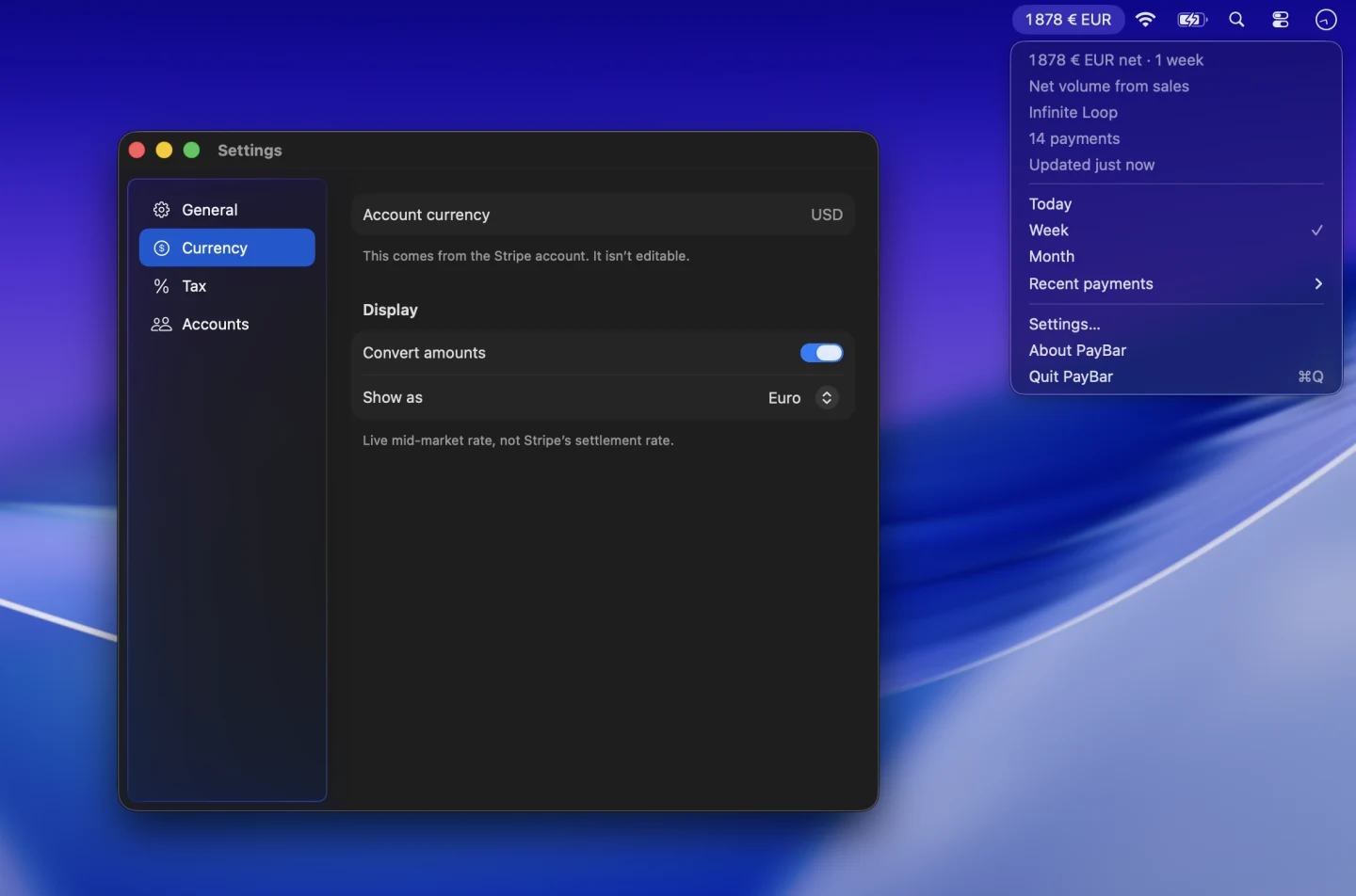
How to view Stripe revenue in another currency on your Mac
Choose a display currency for Stripe amounts in PayBar and understand why the figure can differ from what settles in Stripe.
Recurring revenue
Why Stripe MRR differs in PayBar
Compare PayBar’s current monthly recurring revenue estimate with Stripe Billing. Check subscription status, discounts, currency, and account settings.
Payment risk
How to track Stripe disputes and high-risk payments on your Mac
See Stripe dispute counts, disputed amounts, or high-risk payments in the Mac menu bar. Learn how to read each number in PayBar.
Getting started
Is there a Stripe app for Mac?
Find out how to use Stripe on a Mac and how a native Stripe menu bar app can keep revenue, recent payments, or MRR in view.
Getting started
Best Stripe revenue tracking apps for Mac: options compared
Compare Stripe Dashboard and independent Mac menu bar apps for tracking Stripe sales, MRR, account balances, and payment alerts.
Payments
Stripe gross vs net volume: what your sales figures mean
Learn how Stripe gross sales differ from net sales after fees, refunds and disputes, with a worked example and Mac tracking instructions.
Payments
How to estimate after-tax Stripe revenue on your Mac
Estimate how much Stripe revenue remains after a chosen percentage set-aside, using an example and PayBar’s Mac menu bar tax setting.
Recurring revenue
How to track Stripe subscriber churn on your Mac
See what subscriber churn, churned revenue, trial conversion rate and lifetime value mean in PayBar’s Stripe menu bar.
Payments
Why your Stripe revenue figures can differ in PayBar
Troubleshoot differences in Stripe sales and balances between PayBar and Stripe Dashboard by checking the metric, period, currency, fees and account.